Plan the task
Define waypoints and capture positions or select an area for automatic route calculation.
Corvus Autonomy for Corax · Technical overview
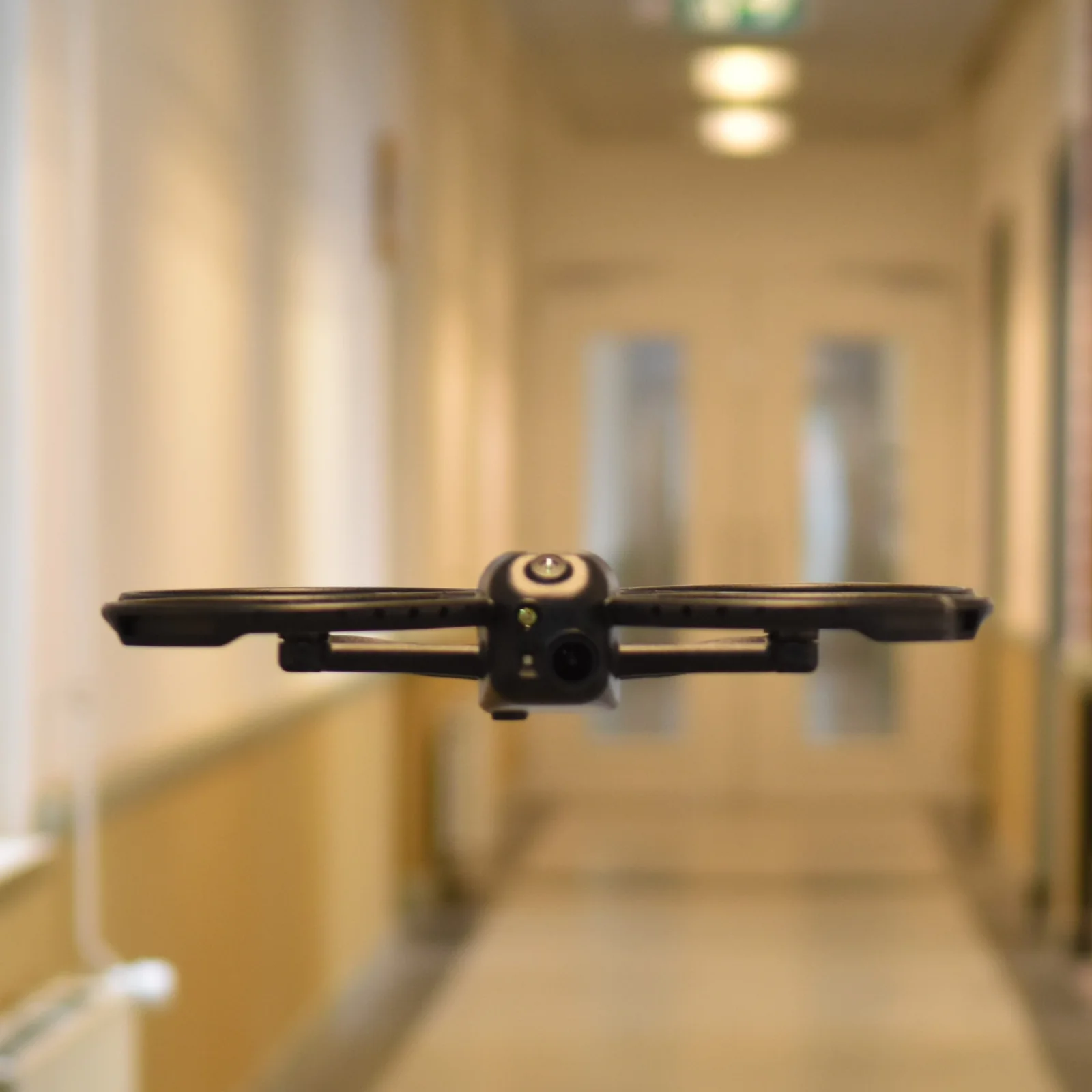
Corvus Autonomy combines MyCorvus task planning with vision-based indoor localization and autonomous mission execution on the Corax VOXL2 computer.
System architecture
MyCorvus prepares and manages the work. Before takeoff, the complete validated route is transferred to Corax. The drone can then finish its flight without a continuous network connection.
Define waypoints and capture positions or select an area for automatic route calculation.
Before takeoff, the flight plan is transferred from MyCorvus to Corax over Wi-Fi and the drone completes its preflight checks.
Onboard software localizes the drone, follows the route and captures the requested data.
After landing, data is uploaded and made available when Wi-Fi is present.
Vision-based localization
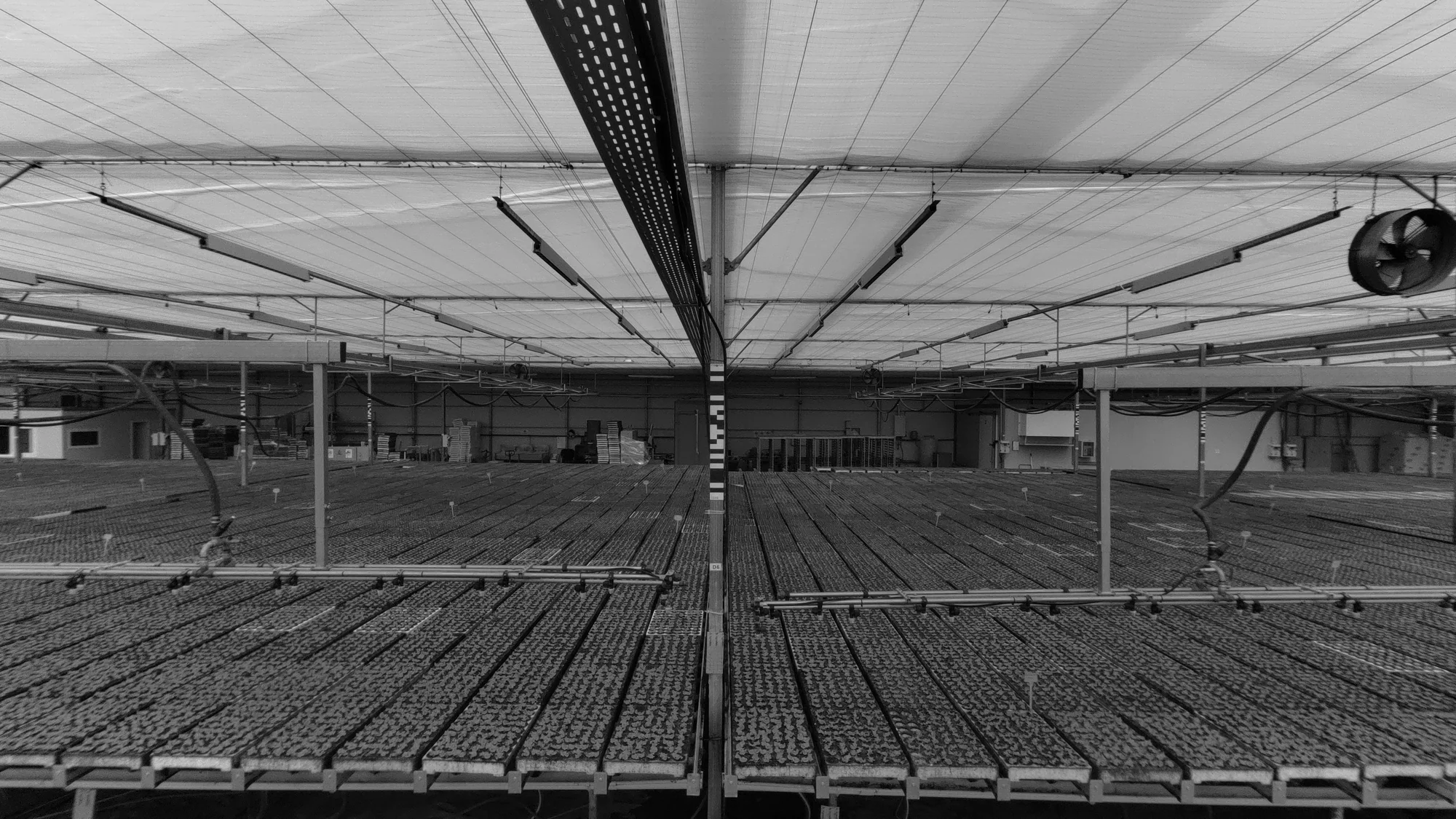
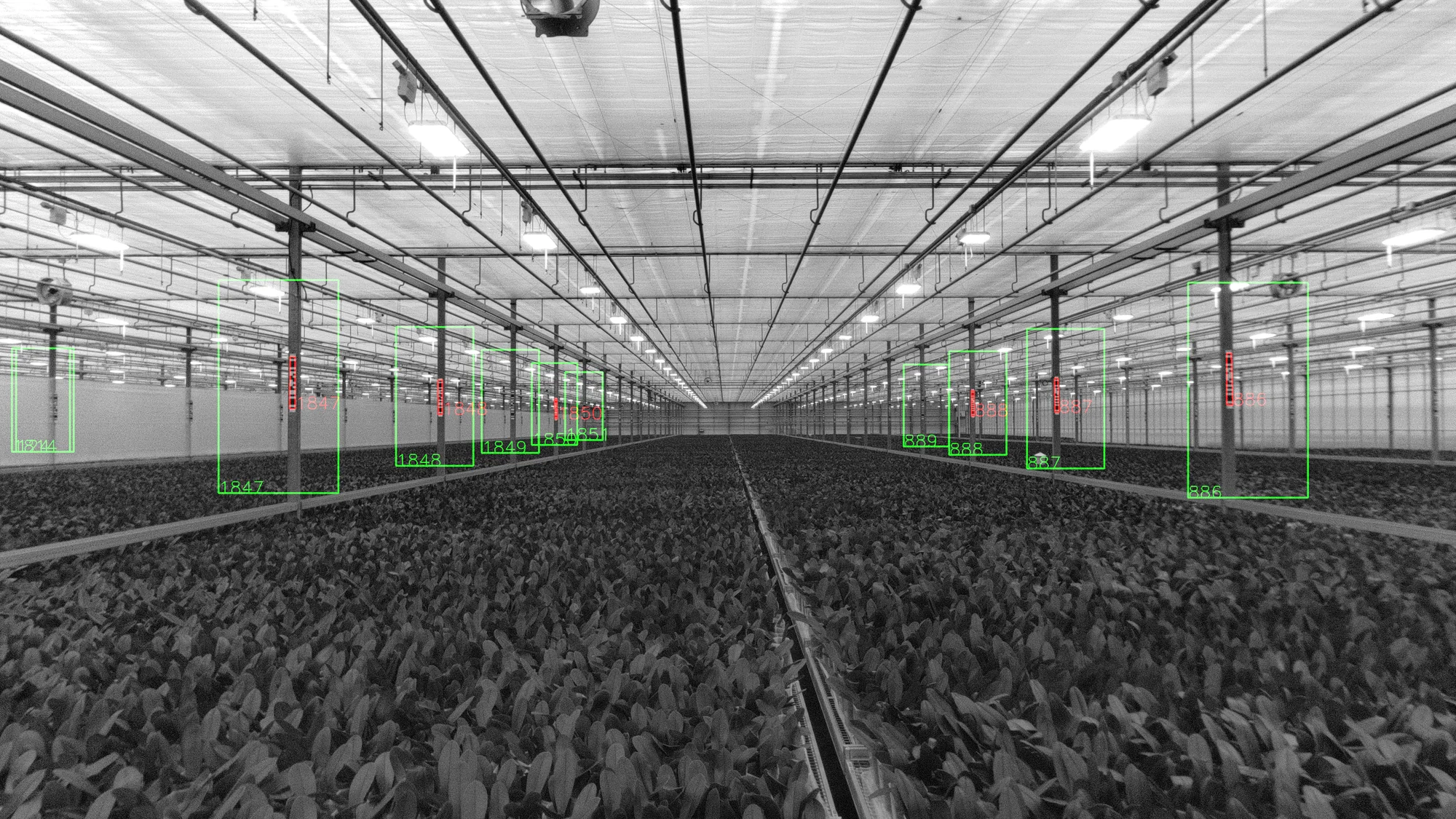
Argus markers are mounted vertically on fixed, measurable structures such as greenhouse poles or warehouse racks. Each marker has a known XYZ coordinate in the MyCorvus site map.
For optimal localization, Corax sees at least three Argus markers. Between marker observations, visual-inertial odometry maintains the drone's position. This hybrid approach supports temporary marker-free sections of approximately 10 meters.
ArUco markers on the docking station provide the reference for the final landing approach and positioning.

Task and route planning
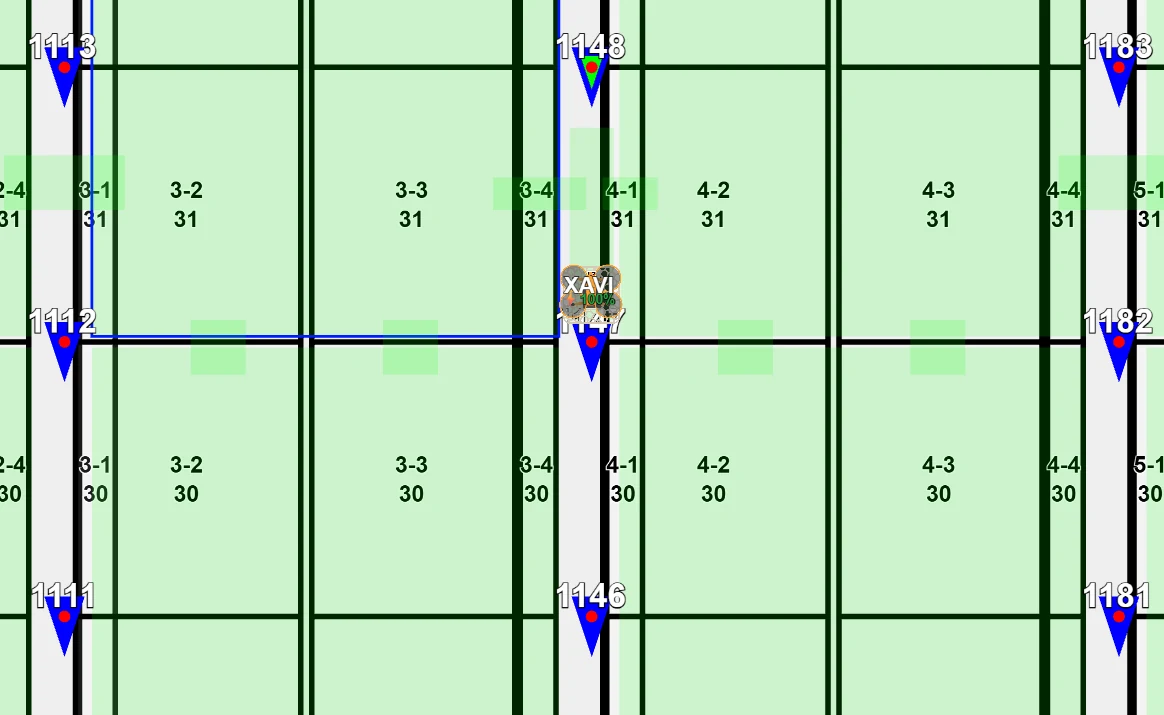
A task defines the work to be completed. MyCorvus validates the route against a site map containing flight zones and no-fly zones.
Use the MyCorvus route planner to define XYZ waypoints, yaw angles and the exact positions at which Corax should capture images. This is often appropriate for a forward-facing payload camera.
Select an area and the required image-overlap settings. The MyCorvus route planner calculates the route and capture positions, which is particularly useful with a downward-facing payload camera.
Mission execution
A mission is the execution of a task. Corax manages battery use, landing, charging and continuation when the requested work cannot be completed in a single flight.
Corax checks battery charge, temperature, storage capacity, stable position and light level.
The mission runs onboard and continues when Wi-Fi coverage is unavailable.
Corax continuously estimates remaining flight time and returns before the battery becomes too low.
With the docking station, Corax recharges and begins another flight if the mission is unfinished.
After landing, Corax reconnects and transfers the collected data to MyCorvus.
Data and diagnostics
Collected data remains stored onboard until cloud upload has been completed and confirmed—even if Wi-Fi is unavailable or the drone is switched off.
Each image is accompanied by machine-readable metadata such as the drone position, camera calibration matrix, exposure, gain and other camera settings.
View images in MyCorvus, download individual files, or generate a ZIP containing the images from an entire mission.
Corvus can configure its standard integration to transfer images and metadata automatically to a cloud-storage bucket owned by the customer.
Connectivity and live status
Wi-Fi is required while Corax is on the ground to receive a new flight plan. During flight, Corax does not need Wi-Fi to continue the mission.
When connectivity is available, MyCorvus shows the drone's current status and position on the site map. Without Wi-Fi, the mission continues onboard but MyCorvus receives no live updates until the connection returns.
The docking-station hardware physically centers Corax and recharges it. With Corvus Autonomy, Corvus provides the autonomous landing, charging and mission-resumption workflow. Corax can also land autonomously at a predefined location without a dock, but manual handling and charging are then required.
Application suitability
Use this checklist for an initial assessment. Corvus can evaluate the operating environment, marker layout, route requirements and required positioning accuracy with your team.
Managed configuration
Corvus manages the onboard navigation software, mission execution, data upload and storage. Users plan tasks, monitor drones and access collected images through MyCorvus.
Direct access to the VOXL2/Linux environment and deployment of customer-developed onboard applications are not provided with Corvus Autonomy. Customers who require full onboard software access can select Corax Open Configuration and develop their own navigation and application stack.
Share your site, mission and data requirements with Corvus Drones. The team can assess marker placement, mapping, docking and cloud integration.